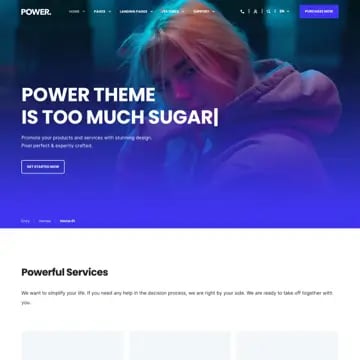
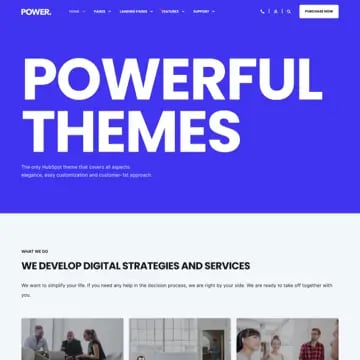
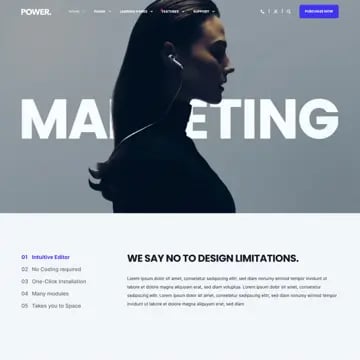
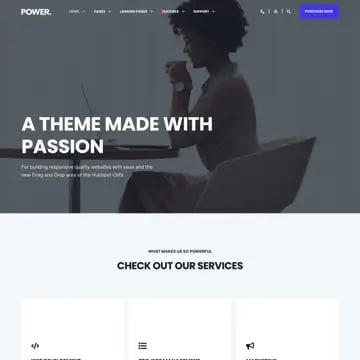
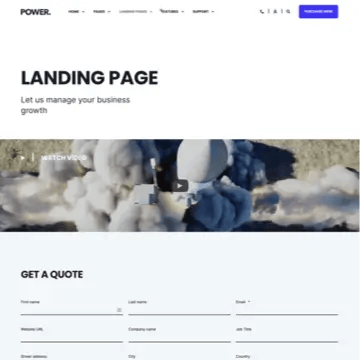
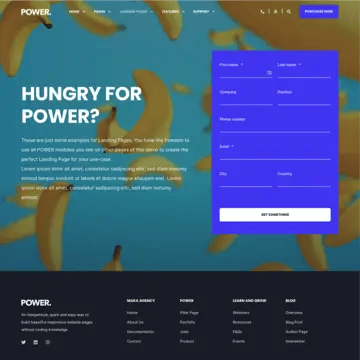
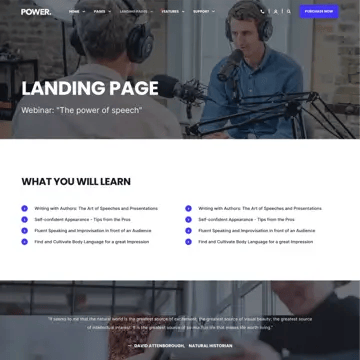
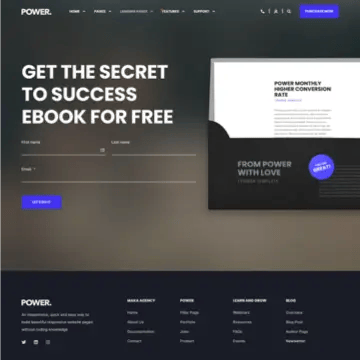
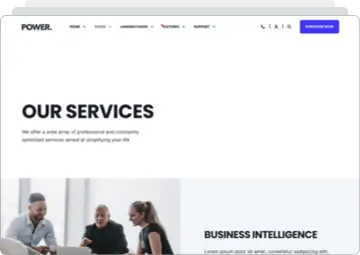
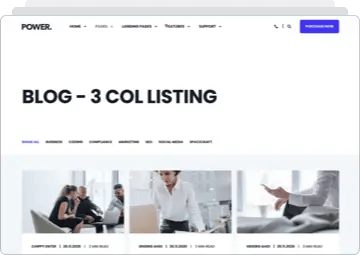
Pin a section while the next one scrolls over it, or let a single section own the entire screen. Two new section options in POWER Pro.
Let one section stay while the rest moves on
The section pins in place as you scroll, and the next section slides over the top of it.
One section. The whole screen.
Set any section to fill the viewport, on every device.
Combine them for a stacked scroll
Full height plus sticky is how you build a scroll story.
FAQs
Get clear, direct answers about how full-screen scrolling and sticky section behaviors work in the HubSpot POWER Theme.
Does this require any custom code?
No. Both options are toggles in your section settings. Turn them on, set your preferences, publish.
Does it work on mobile?
Yes, and you can control it per breakpoint. Sticky scroll effects can feel cramped on small screens, so you can disable sticky on mobile while keeping it on desktop — or leave it on if the effect works for your layout.
Can I use it on any section?
Yes. Sticky and full height work on any POWER Pro section — hero, features, testimonials, galleries, custom modules.
How many sticky sections can I have on one page?
As many as you need. Stack several in a row and each one holds the screen until the next scrolls over it.
What happens if my content is taller than the screen?
The section expands to fit. Full height sets a minimum, not a maximum, so nothing gets clipped or cut off.
Does it work with a sticky header?
Yes. Use the sticky offset setting to pin the section below your header instead of behind it.
Will it slow down my site?
No. Both features use native CSS — there's no JavaScript scroll listener running as visitors move down the page.
Does it affect SEO?
No. Your content stays in the HTML exactly as it was. Sticky and full height change how the section is displayed, not what's on the page.
Which browsers are supported?
All modern browsers — Chrome, Safari, Firefox, and Edge. Older browsers fall back to normal scrolling, so nothing breaks.
Can I turn it off later?
Yes. Toggle it off and the section behaves as it always did. Nothing about your content changes.
READY TO MAKE YOUR SECTIONS STICK?
Sticky and full height sections, plus everything else in POWER Pro. Buy POWER Pro and make every scroll count.