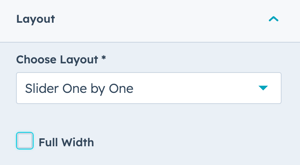
All slides fit on the screen. Since V49, a slider whose slides all fit at the current screen width shows no arrows and doesn't loop: there is nothing to slide to. Add more items, or lower the number of visible items, and the arrows come back. Check on a smaller screen too: the same slider may show arrows on mobile.
The section isn't Full Width.
For any module that has a slider layout, the module needs to be added to a 1 column section with no other modules in the same section and the content alignment needs to be set to Full Width.
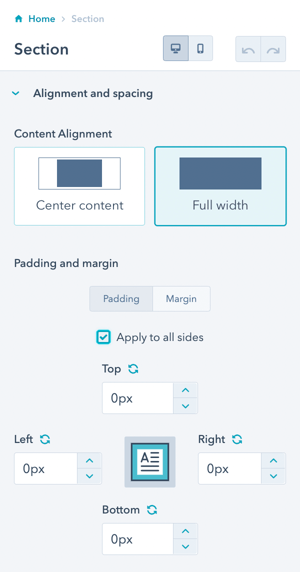
While the Section has to be set to Full Width, you don't have to check the Full Width option in the module Layout settings unless you want the slider to be edge-to-edge in the browser.